

Please sign in below.
Thank you for reading this post, don't forget to subscribe!
Help Desk HQ offers fast support for reporting issues, reordering items, tracking updates, and finding answers quickly and easily.
Turnkey & Compliant
Member-First Growth
Admin Dashboard & Visibility
View your past and current orders, check timelines, and stay updated with store notices. Our status refreshes periodically to keep you informed.
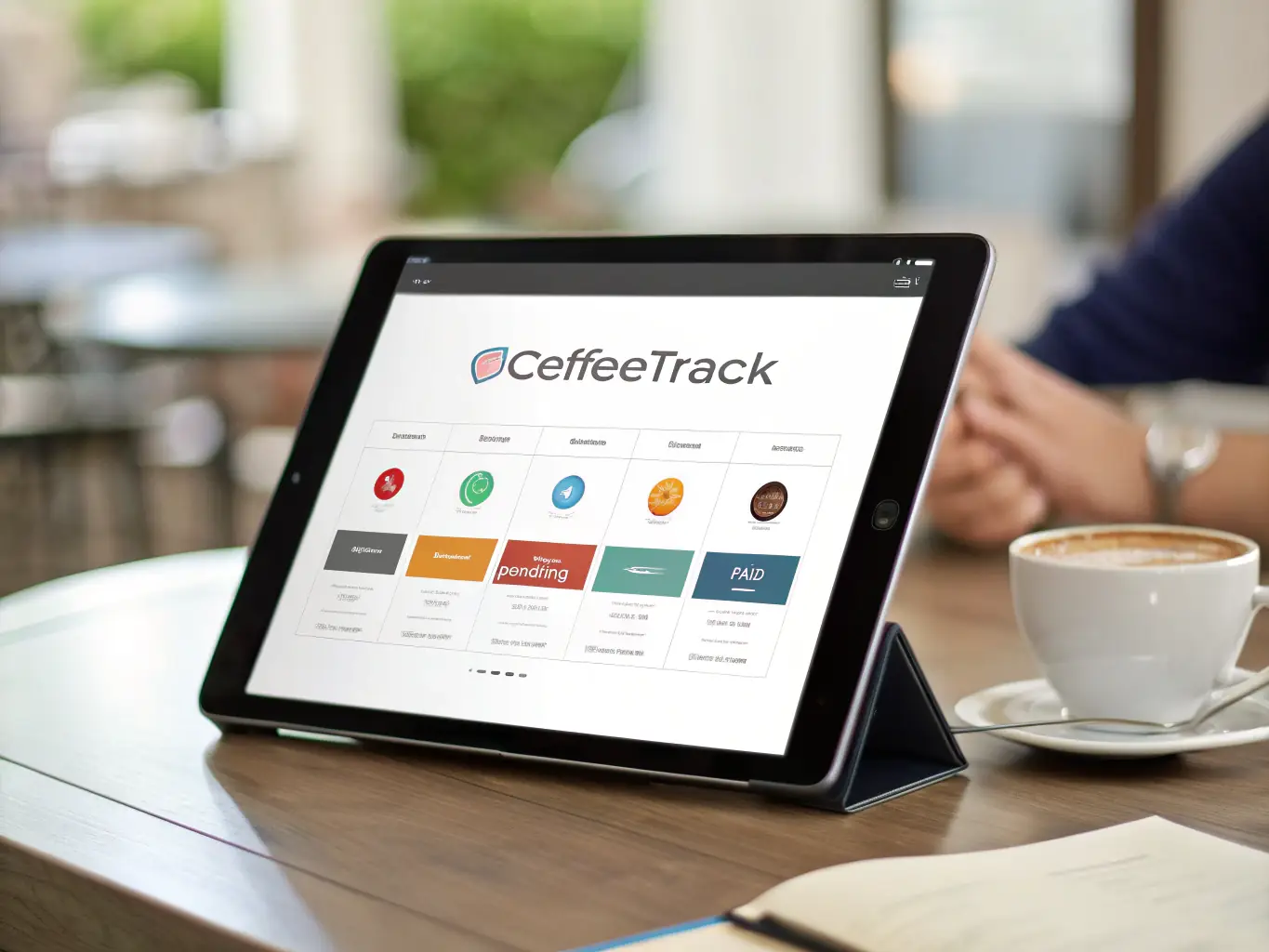
If your product was damaged, incorrect, or missing – report it here. You can also quickly reorder previously received items.

If you have any questions or need help, this section has been designed to assist you step-by-step.
To register, click on the ‘Register’ button on the top right corner of the page. Fill in the required information and click ‘Submit’. You will receive an email with a link to activate your account.
Membership provides access to our compliance training portal, product supply, and member-based services. It ensures you’re part of the FDH Umbrella Corp network, including CannaMart and franchise stores.
You can access your menu by logging into your account and clicking on the ‘Menu’ tab. Here, you’ll find a list of available products and services.
If you don’t receive your order, please contact our support team immediately. We will investigate the issue and provide a solution as soon as possible.
Yes, you can cancel your membership at any time. To cancel, go to your account settings and click on the ‘Cancel Membership’ button. Follow the instructions to complete the cancellation process.
You can contact our support team by clicking on the ‘Contact Support’ button on the bottom of the page. Fill in the required information and click ‘Submit’. We will get back to you as soon as possible.
Make sure your WhatsApp number is correct.
Check for store-specific updates or delays.
Reach a person if you still need help.
Use of the help desk follows our Terms of Use and Privacy Policy.

GUNJA GURU


